Shutterfly offers thousands of ways to create and give gifts personalized with photos. All prices are listed and payments processed in US dollars.
JUMP TO: Helpful Tips | Payment Options | PayPal Payment Method | Apple Pay Payment Method | Afterpay Payment Method | Related Articles
Helpful Tips
- To check the cost in local currency, use a currency exchange calculator.
- The actual cost will be reflected in a credit card or bank statement.
- Industry-standard SSL encryption is used to protect credit card information during online transactions.
Payment Options
Shutterfly accepts the following credit card payment types. Check and money orders are unable to be accepted. Bank-affiliated credit and debit cards are recommended, as pre-paid cards may not process, and refunds to them can take up to 60 days.
Card Payments
- American Express
- Discover Card
- MasterCard
- Shutterfly Gift Cards
- Visa
- AMEX or VISA branded Gift Cards
- The available balance of the gift card must be more than the order total.
Payment Services
- AfterPay (split purchases into installments)
- Apple Pay
- Available on iOS app checkout and on web and mobile web when accessing Shutterfly through Safari on Apple devices with a compatible OS.
- PayPal
PayPal Payment Method
- PayPal is supported as a saved payment method when purchasing via the Shutterfly website or mobile web.
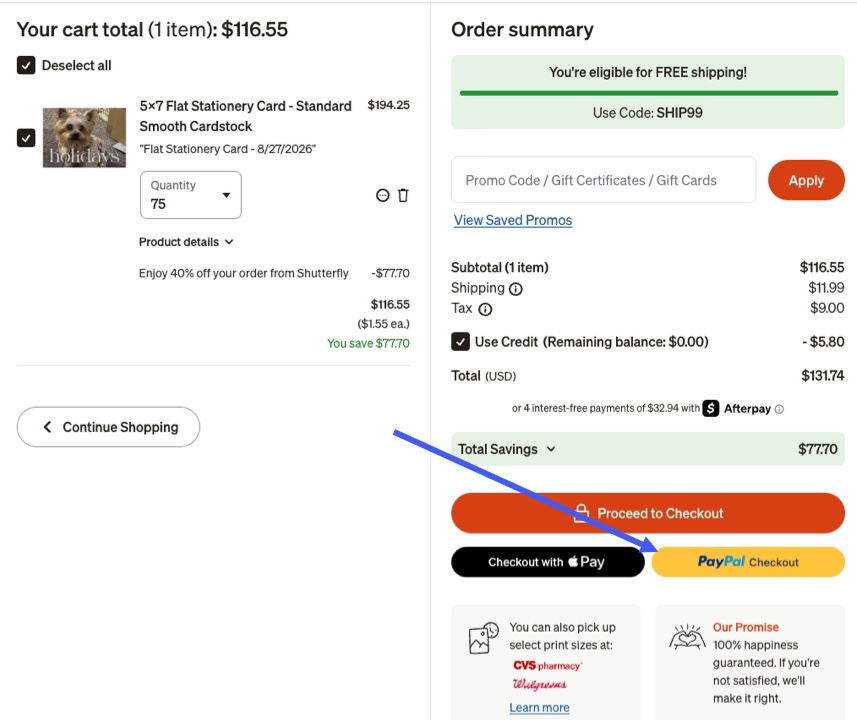
- This option is available only during checkout and can't be accessed through Account & Settings.
- Two PayPal options are available at checkout for saving to the Shutterfly account:
- PayPal Checkout
- Enables selection of an address from the PayPal account.
- Allows selection of payment methods stored within the PayPal account.
- Once saved as a payment method, PayPal Checkout will no longer appear as an option during checkout.
- PayPal
- Doesn't support address selection from the PayPal account.
- Shipping address must be edited directly within the Shutterfly account.
- To disable PayPal as a payment method, Shutterfly must be removed from automatic payment methods within the PayPal account.
- PayPal can't be removed or deleted as a payment method from within the Shutterfly account.
Apple Pay Payment Method
- Apple Pay is now available for customers using third-party browsers or Windows operating system devices on both web and mobile web platforms.
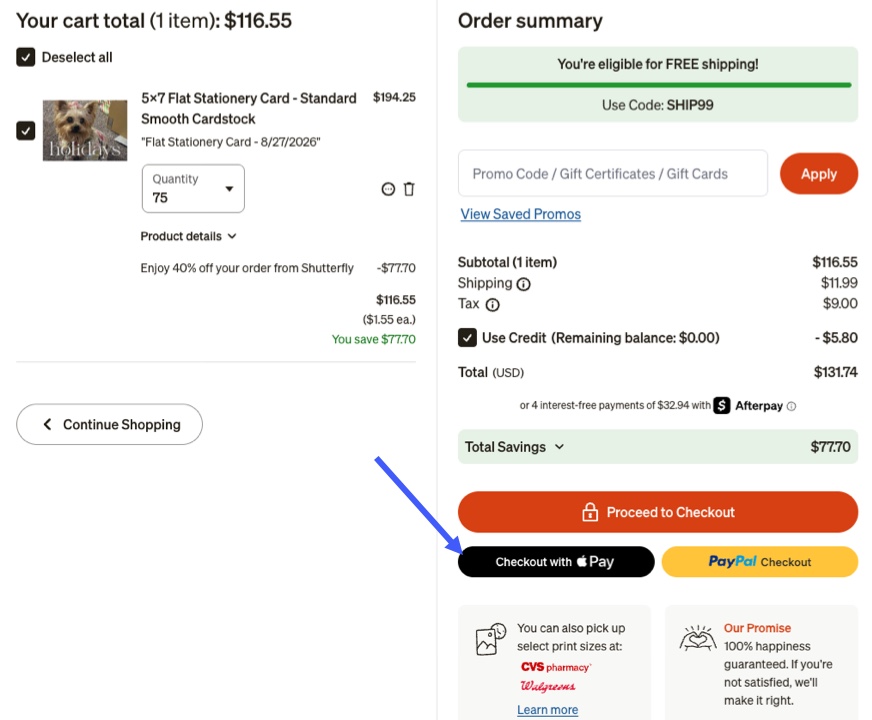
- Go to the Cart after signing into Shutterfly and Click 'Checkout with Apple Pay'.
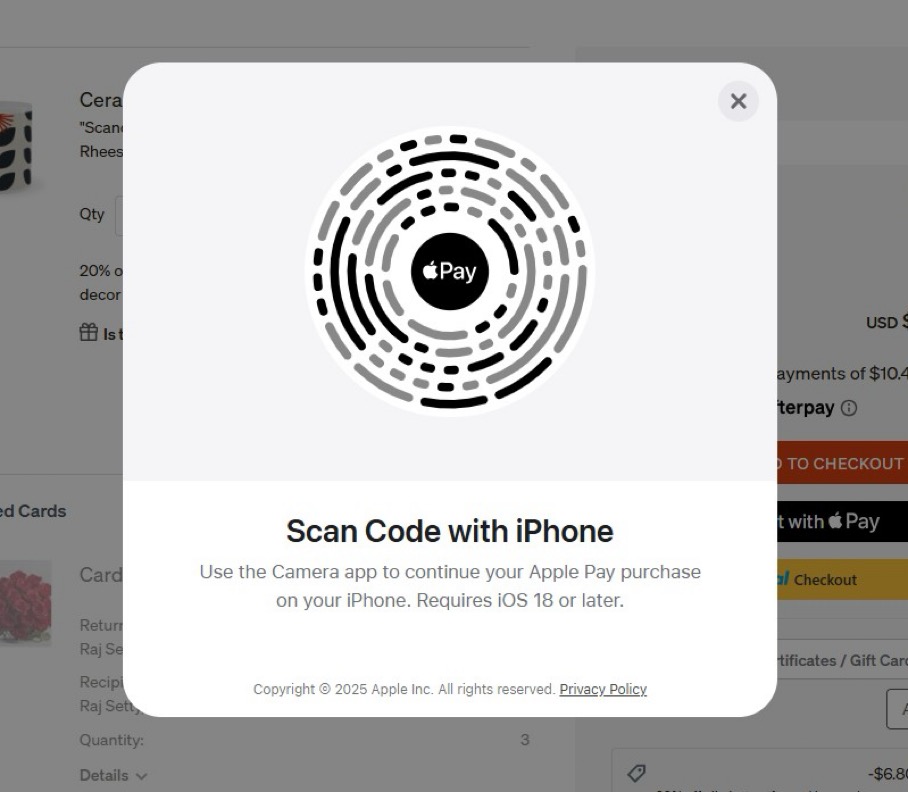
- Use an iOS device running iOS 18 or above to scan the QR code displayed during Checkout.
- Note: The QR code below is only an example of the QR code that will be displayed during checkout and shouldn't be used.
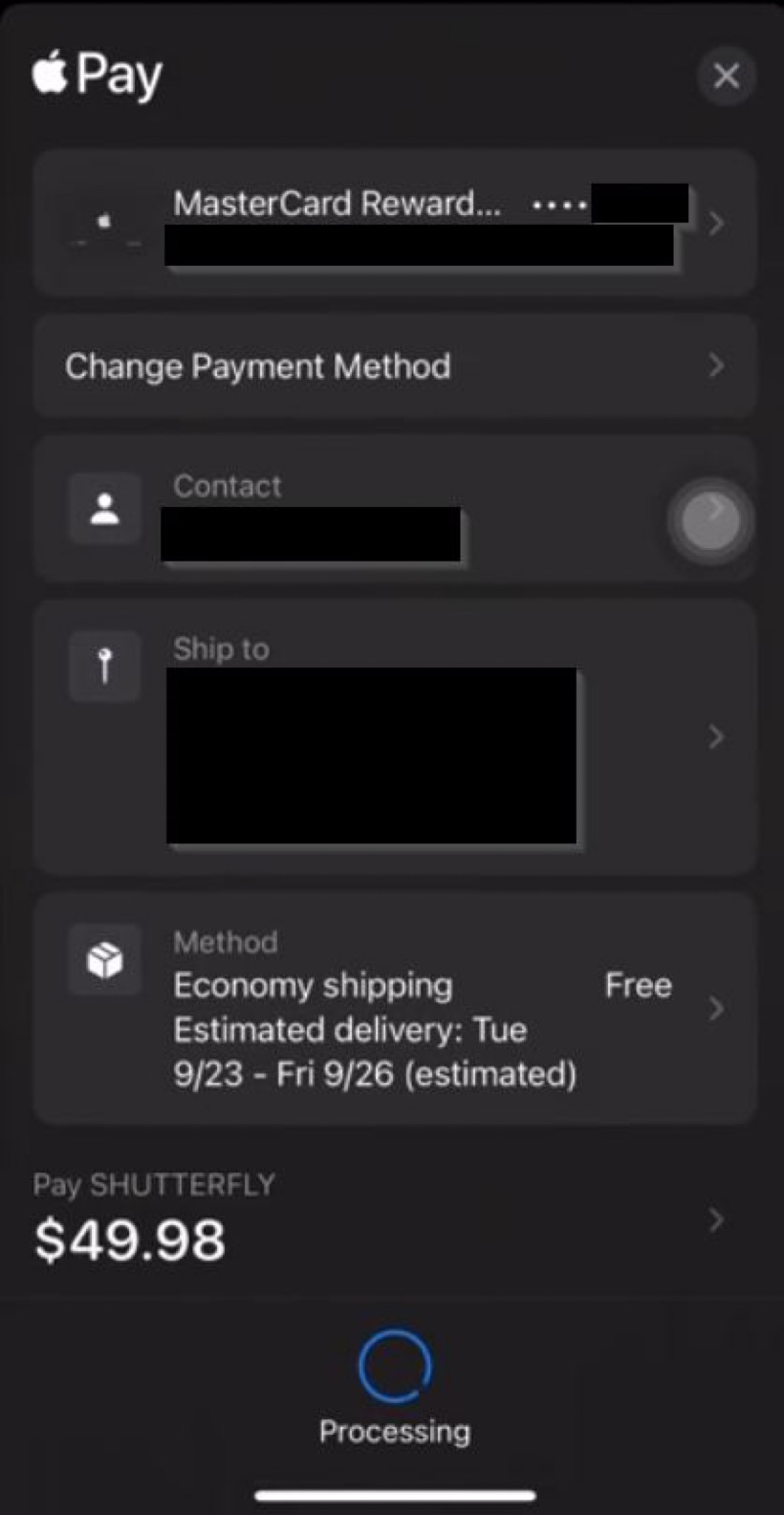
- Complete checkout on the iOS device using Apple Pay.
-
- Upon successful payment, the browser will automatically redirect to the Order Confirmation page.
Afterpay Payment Method
- Afterpay Overview
- Afterpay is a payment service that allows eligible Shutterfly purchases to be split into four equal, interest-free installments.
- Payments are scheduled every two weeks, providing flexibility to shop now and pay over time.
- The first installment is typically due at the time of purchase.
- The remaining three payments are automatically deducted from the selected payment method every two weeks.
- Additional payments can be made at any time by logging into the Afterpay account.
- Eligibility & Requirements
- Orders must total between $1 and $2,000 to qualify for Afterpay.
- Credit limits may vary for first-time and newer Afterpay users.
- Credit limits may increase over time with continued use of the service.
- A U.S. billing address is required to use Afterpay.
- A U.S. issued Visa or Mastercard (credit or debit) must be provided during registration.
- A U.S. mobile phone number is necessary to complete the account setup.
- Availability & Support
- Afterpay is available for purchases made through the Shutterfly App.
- For questions about eligibility or assistance with installment plans, contact Afterpay Customer Support at (855) 289-6014 or submit a question through the Afterpay Help Center.
- Additional information is available on the Afterpay FAQ page.
Selecting Afterpay at Checkout
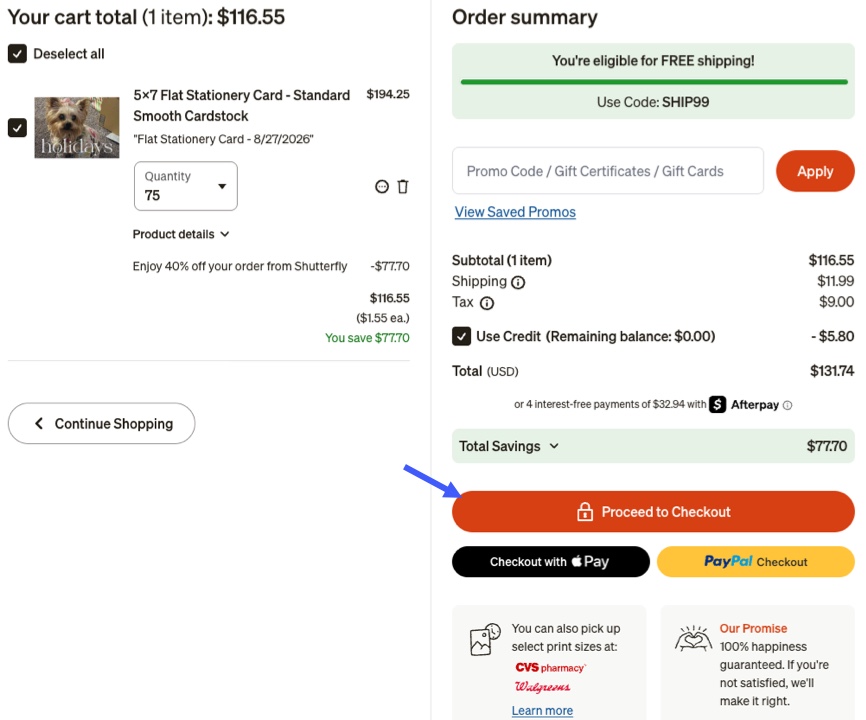
- Click 'Proceed to Checkout'.
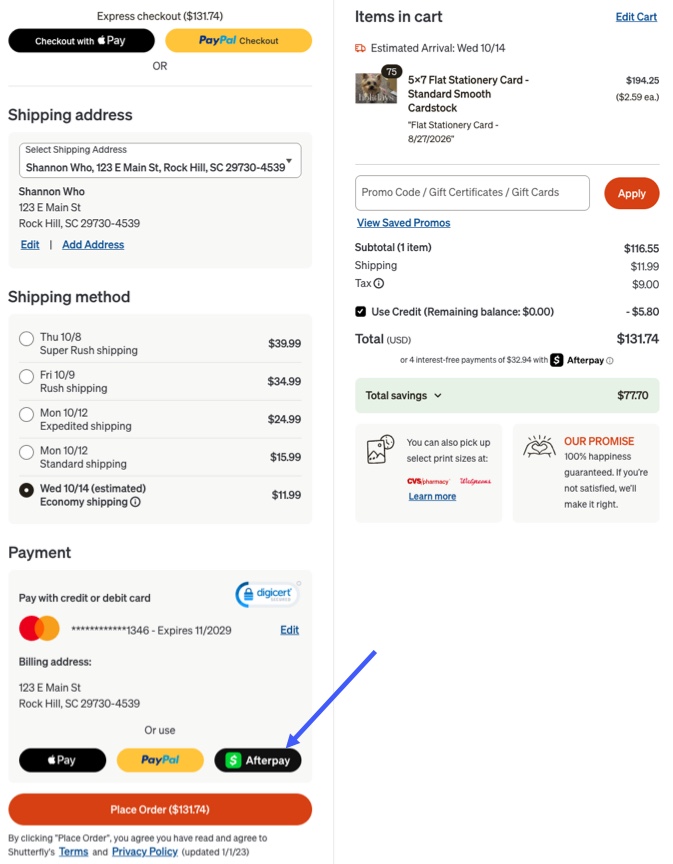
- Scroll down and Click 'Afterpay'.
- Register for an Afterpay account directly from the Shutterfly shopping cart via the pop-up window.
- Existing Afterpay users can log in to complete the order.
- Enter payment details (Visa, Mastercard, or American Express) when prompted.
- Click the Afterpay button in the Shutterfly checkout to proceed with payment.
Related Articles


